The remote interview details nobody tells you about
Forget the 'check your Wi-Fi' basics. We look at the psychological friction and logistical nuances—from the 'Interruption Paradox' to simulated eye contact—that decide remote hiring outcomes today.
Dharna Agarwala
Careers & Hiring Writer, Jobbotly
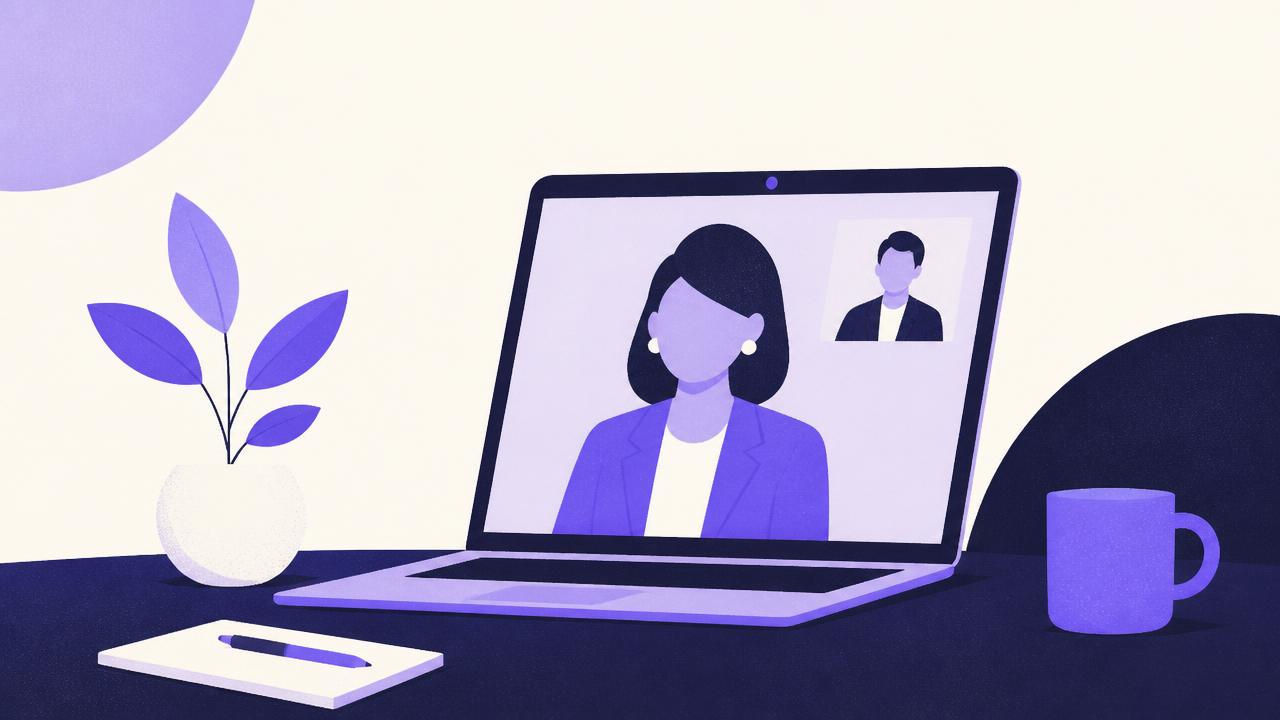
By now, we have all heard the standard advice for remote interviews: dress professionally from the waist up, find a quiet corner, and ensure your background isn't distracting. But these tips have become the baseline, not the advantage. After years of observing how Indian candidates navigate global and local remote hiring, it is clear that the real hurdles aren't just technical. They are social and psychological. When you are a square on a screen, you lose the ability to read the room and the subtle body language that often seals the deal in person. To win, you must compensate for what the technology strips away.
The lag is a social barrier, not just a technical one
One of the most exhausting parts of a remote interview is the invisible latency. Even a half-second delay disrupts the natural rhythm of conversation. In person, we use micro-expressions to signal we are about to speak. On Zoom or Teams, these signals are lost. This leads to that awkward dance where both people start talking at once, apologize, and then fall into an uncomfortable silence. The secret is to build a 'buffer beat'. After an interviewer finishes a question, count to two internally before answering. It feels like an eternity to you, but to the recruiter, it looks like thoughtful composure rather than a technology glitch.
Managing the 'Interruption Paradox'
If you are interrupted, do not try to talk over the interviewer. The software will usually prioritize one audio stream and cut the other, meaning neither of you is heard. If you get cut off, stop immediately, smile, and say: 'Apologies, the audio overlapped there. Please go ahead.' This shows a level of digital etiquette that recruiters often value more than a flawless connection.
Eye contact is a lie on a screen
Human instinct tells us to look at the person's eyes on the screen to build trust. However, if you do this, the person on the other end sees you looking slightly downward. To truly 'look' at your interviewer, you must stare at that tiny, unblinking camera lens. This is counter-intuitive because you can't see their reactions while doing it. The workaround? Position the video window of your interviewer as close to the top-centre of your screen as possible, right under the camera. This narrows the angle of your gaze, making the 'fake' eye contact look far more natural.
Natural Instinct
- Looking at the interviewer's face on screen
- Nodding vigorously to show you are listening
- Using wide hand gestures near your chest
Remote Optimization
- Looking directly into the camera lens
- Using verbal affirmations like 'I see' or 'Right'
- Keeping hand gestures within the camera frame
The 'Home Office' bias you can't ignore
There is a quiet elitism in remote hiring. Interviewers often unconsciously judge a candidate's seniority based on their home setup. In many Indian households, a perfectly silent, minimalist home office is a luxury. If you are dealing with street noise or family in the background, don't ignore it. Acknowledging it early takes the power away from the distraction. A simple 'Just a heads up, there is some construction nearby, but I have a noise-cancelling headset to ensure you can hear me' signals that you are proactive and professional.
The hidden danger of the digital 'Cheat Sheet'
Candidates often overdo notes. If your eyes are constantly darting to the side or if you are reading a scripted answer, it is immediately obvious. The light from your monitor reflects in your eyes, and your tone becomes robotic. If you must use notes, stick to high-level bullet points. Use Post-it notes stuck to the edge of your monitor at eye level. This keeps your head still and prevents the 'shifty eye' look that makes interviewers feel you are unprepared or being coached.
Handling the 'Whiteboard' anxiety
For technical roles, using a digital whiteboard like Miro can be stressful. The friction of a mouse UI can make you look less competent than you are. If you aren't comfortable, ask if you can sketch on paper and hold it up to the camera, or share your screen in a tool you know well. Most interviewers care about your logic, not your ability to use a specific digital pen tool on the fly.
The end-of-call transition
In a physical office, you have the walk to the elevator for small talk. In a remote setting, the end is abrupt. To leave a lasting impression, ensure your final 'thank you' is deliberate. Don't start reaching for your mouse while you are still talking. Finish your sentence, smile, wait a second, and then exit. It prevents that final, awkward image of a candidate looking frustrated while trying to find the 'Leave Meeting' button.
Overlooked Logistics
Is it okay to use a blurred background?
Yes, but a plain, solid-coloured wall is safer as blurring can sometimes cut off your hair or ears if you move.
Should I use headphones or laptop speakers?
Always use headphones. Laptop speakers often cause an echo for the interviewer when their voice gets picked up by your mic.
What if my internet cuts out completely?
Immediately message the recruiter via email. How you handle a technical crisis is often a better test of composure than the actual questions.
Remote interviewing is a performance as much as it is a conversation. While platforms like Jobbotly help you find these opportunities, the onus of bridging the digital gap lies with you. By focusing on the nuances—the eye contact, the pauses, and the digital etiquette—you turn a sterile video call into a genuine connection. The goal is to prove you can be a present, engaging colleague, even through a screen.
Dharna Agarwala
Careers & Hiring Writer, Jobbotly
Dharna writes about hiring, job search strategy, and how AI is changing the way people find work. She spends her days talking to recruiters and candidates to figure out what actually gets someone hired.
Get matched jobs the moment they go live.
Jobbotly scans 100+ sources and sends the right roles straight to your WhatsApp.
Start on WhatsApp